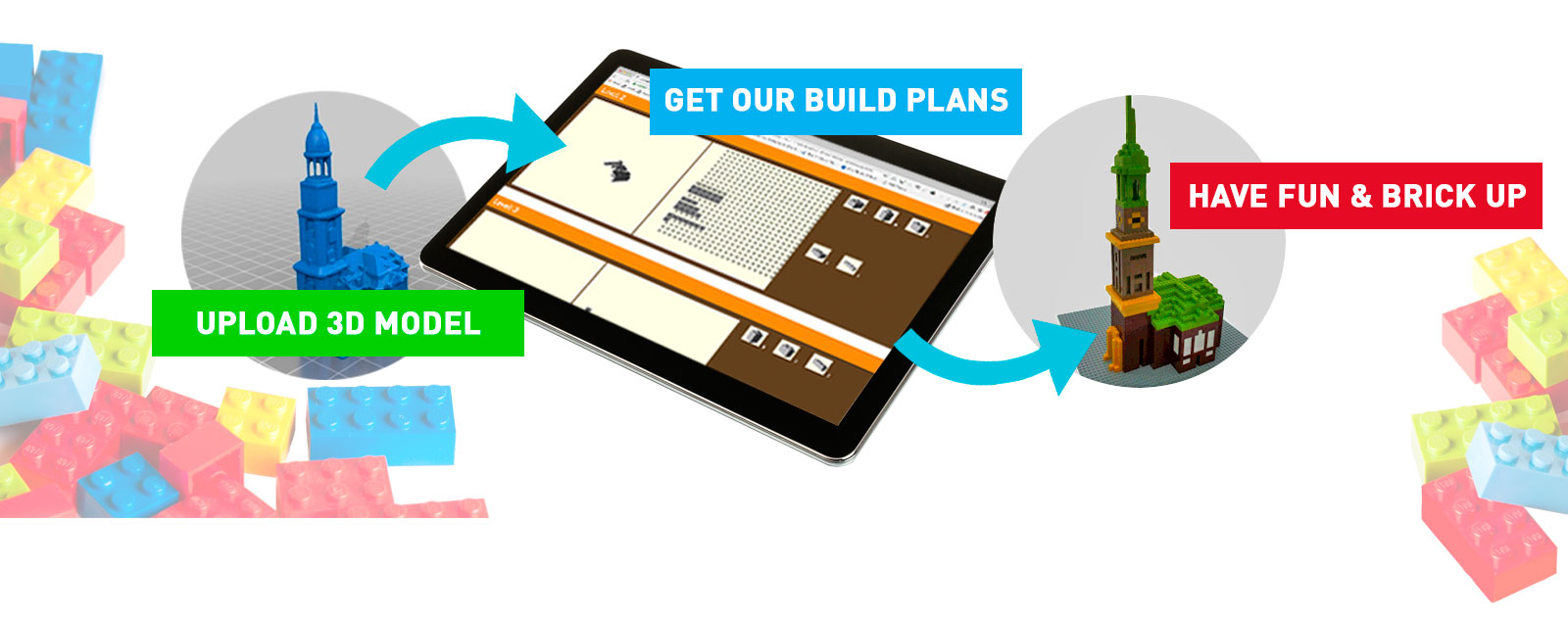
Create unlimited build plans for your LEGO® Bricks
From any 3D model you have created or downloaded.
We love the creativity and versatility that is sparked by the Bricks that made the LEGO® Company big. And we strongly believe in the creative, economical, and ecological power of these bricks and their ability to become a starship - after having been a building, a car, a ship, or whatever you imagined first.
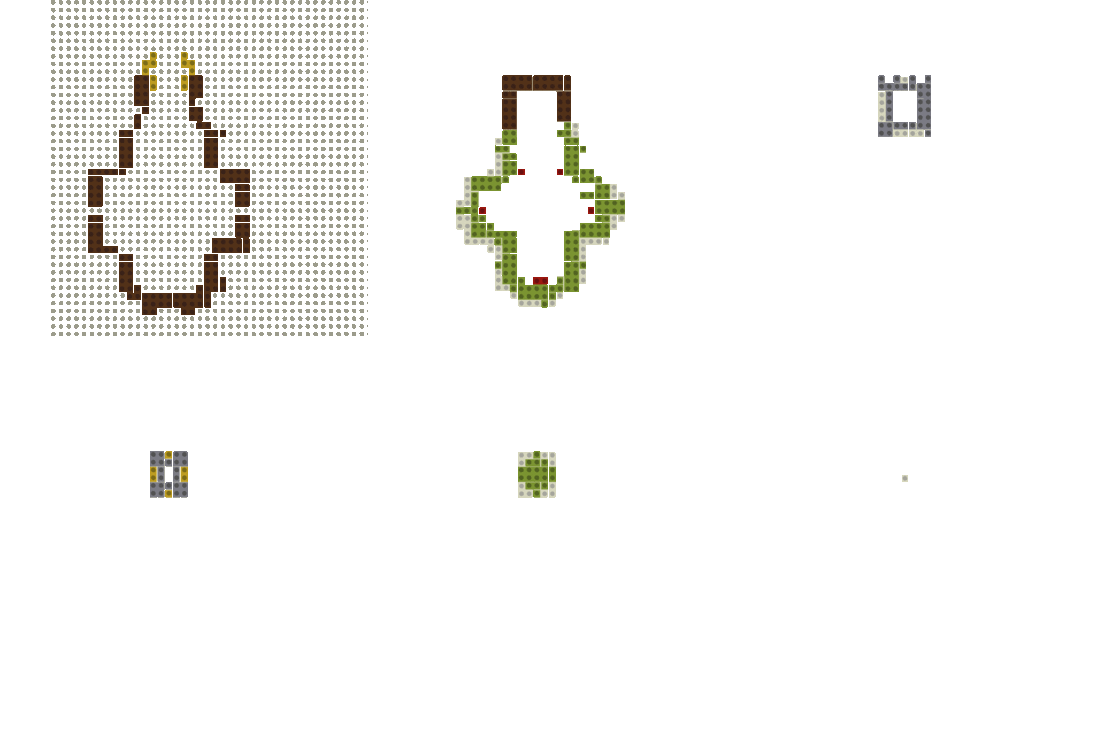
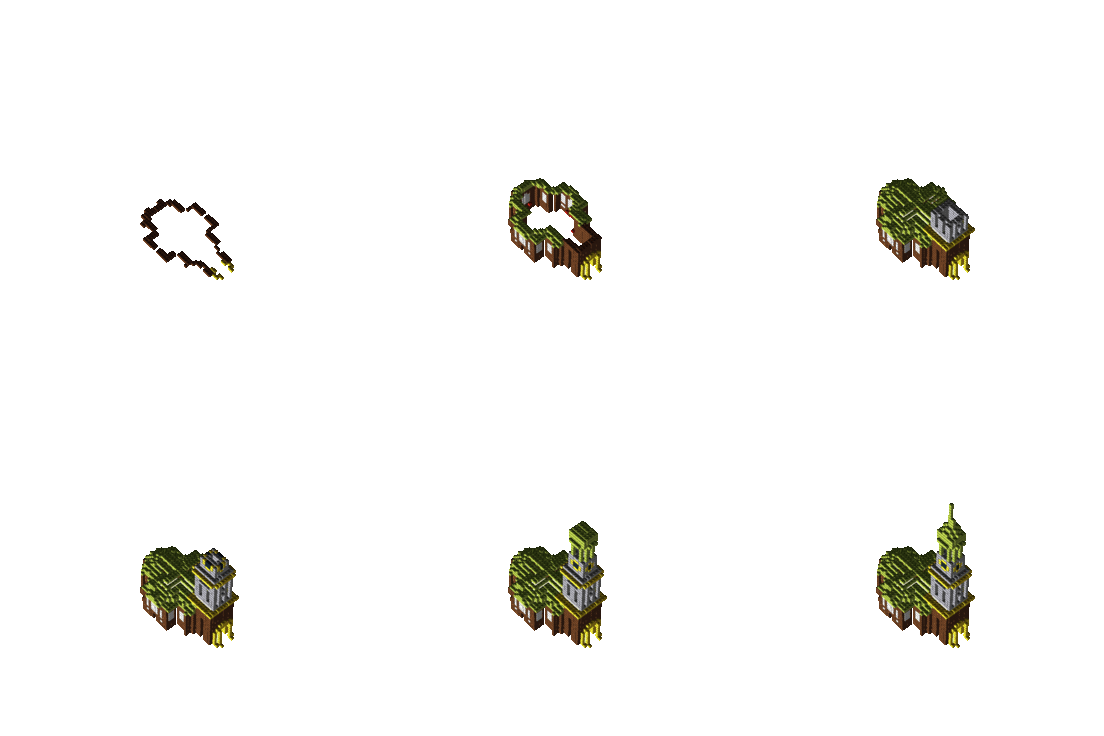
When you are in need of a plan to get your creativity started, this is where we come in. We create your build plan from any of the 3D models you created or downloaded.
If you are a Minecraft® Designer, just head over to our sister site www.craftplicator.com to create your plan directly from your Minecraft world.
In 3 simple steps transport any area of your Minecraft® world into a 3D model and get a personal build plan for LEGO® or compatible Bricks.
In 3 simple steps transport any 3D object into your Minecraft® world.
Please set the size of your "brickplicated" 3d-model by dragging the borders of the highlighted area. If a border of the area turns RED it is too LARGE. If you need a larger model, contact us at contact@xplicator.com
Width: blocks
Height: blocks
Price:
Click here to reenter.
How does it work?
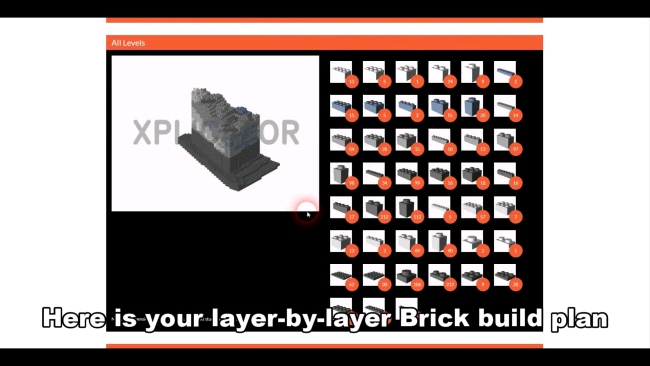
Turn any 3D model into a build plan for your LEGO Bricks...
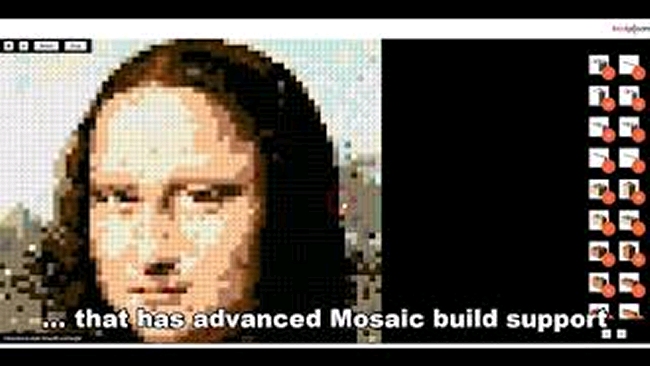
How to turn any picture or image into a LEGO Mosaic
Uploading and processing the required files...
This may take a few moments depending on the size of your files, the upload speed of your internet connection, and the load on our servers.
If your browser prompts you to Cancel or Wait, please click Wait, or just wait for your browser to get back to you
Your patience is highly appreciated.